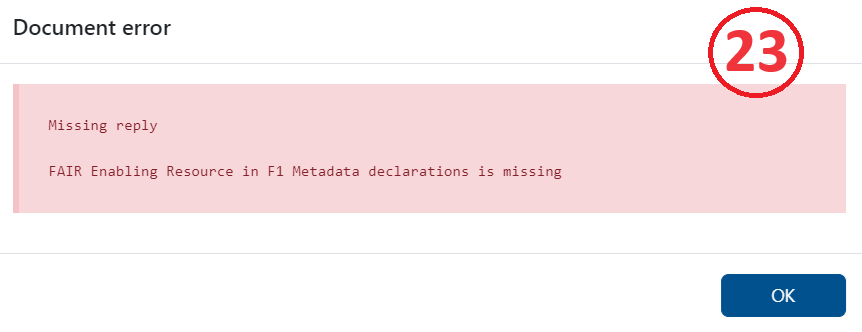
Hints when something goes wrong
Please avoid these issues:
Missing or wrong style of ORCID
Missing answer
No answer boxes contain accidental spaces. If a space was entered by mistake and you see a “Clear answer” option appear underneath, click it to remove the space.
Wrong answer (providing text instead of a nanopublication)
For some question(s), you did not select a resource
Preview
By choosing HTML Preview of the Nanopublication Template (in Settings - (Figure 1))
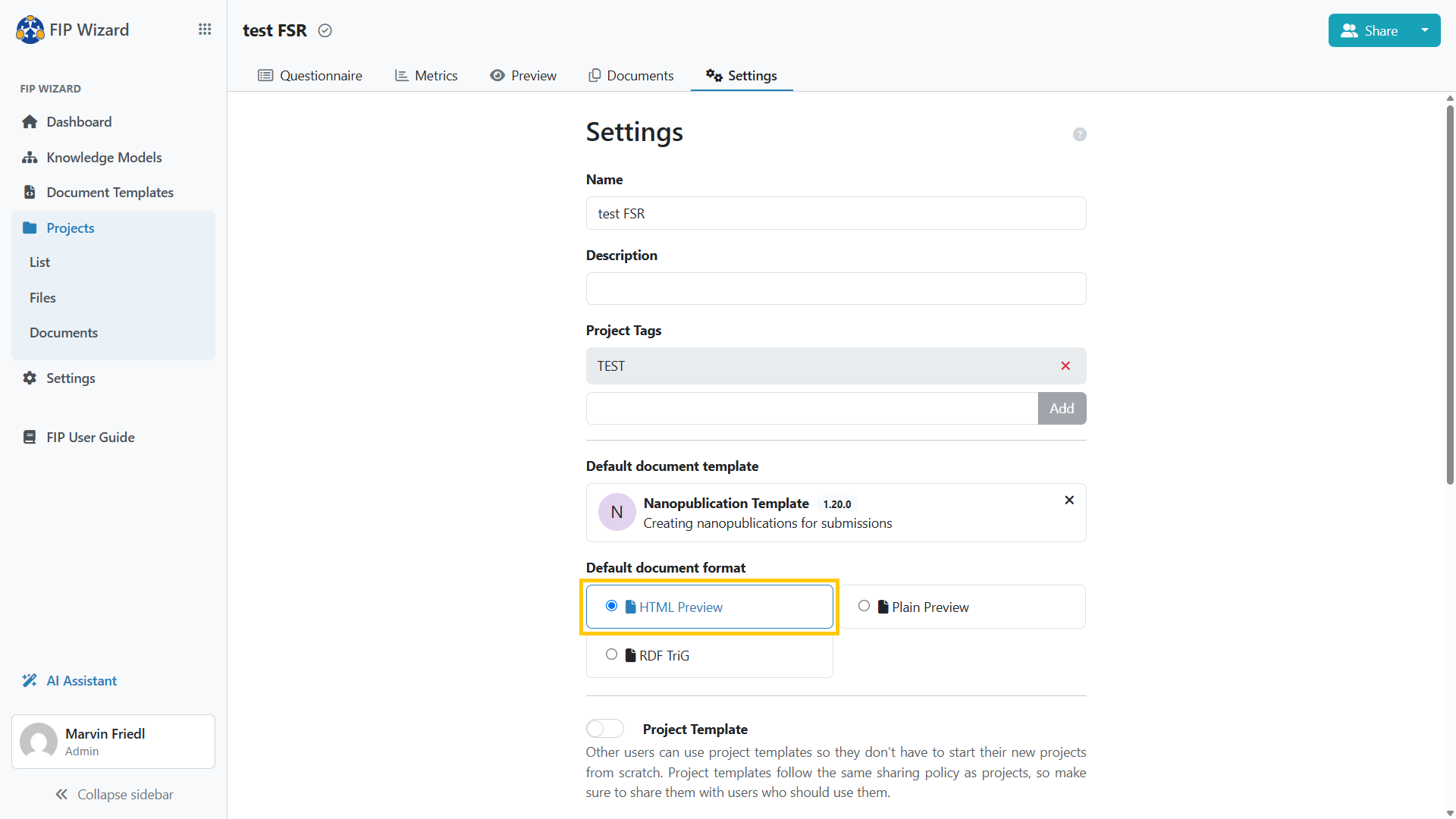
you can see in Preview mode the question that needs revision (Figure 2).